

Best WordPress Cache Plugin choices help WordPress sites load faster by serving cached pages, reducing server strain, and improving user experience, SEO signals, and conversion confidence.
The Best WordPress Cache Plugin is not just a speed add-on; it is a practical decision that affects user experience, search visibility, and how confidently people interact with your site. A cache plugin helps reduce repeated processing by storing and serving prepared versions of content, which is why it can make a WordPress site feel much faster. WordPress plugins such as WP Super Cache describe this directly as serving static HTML files instead of repeatedly running heavier dynamic PHP requests.
The Best WordPress Cache Plugin also matters because speed influences trust. When a page loads smoothly, users are more likely to stay, browse, and convert. Official plugin documentation from WP Rocket and W3 Total Cache ties caching and optimization to faster load times, better SEO, improved Core Web Vitals, and stronger user experience. That is why the Best WordPress Cache Plugin is really part of Core WordPress Mastery: it sits at the intersection of performance, content delivery, and site health.
This guide looks at the Best WordPress Cache Plugin through a practical lens: what cache plugins do, which features matter, how they differ, and which supporting tools belong around them. It also connects caching to Online Reputation Management, because slow pages can weaken perceived quality just as surely as broken pages or confusing layouts can.
What the Best WordPress Cache Plugin Actually Does
The Best WordPress Cache Plugin reduces the amount of work your server has to do on each visit. Instead of rebuilding the page from scratch every time, the plugin can store a ready version and serve it quickly. WP Super Cache explains this in simple terms: it generates static HTML files from a dynamic WordPress blog and serves those files to most visitors instead of running heavier PHP scripts each time.
The Best WordPress Cache Plugin often includes related performance features too. WP Rocket’s documentation shows page caching, cache preloading, mobile cache, minification, browser caching, GZIP compression, and several automated speed optimizations. LiteSpeed Cache’s documentation and plugin listing describe it as an all-in-one acceleration plugin with server-level caching and optimization features, while W3 Total Cache highlights SEO, Core Web Vitals, CDN integration, and reduced load times.
That is why the Best WordPress Cache Plugin should not be chosen only by marketing claims. It should be judged by what it actually does to page delivery, how it fits your hosting, and whether it improves speed without creating maintenance headaches. In practice, the Best WordPress Cache Plugin is the one that matches your server, your traffic pattern, and your team’s comfort level.
The Shortlist: Strong Cache Plugins Worth Comparing
If you are trying to choose the Best WordPress Cache Plugin, the shortlist usually begins with WP Rocket, LiteSpeed Cache, WP Super Cache, W3 Total Cache, WP Fastest Cache, and WP-Optimize. Those tools are documented as cache or site-acceleration solutions, and each has a different strength. WP Rocket emphasizes easy setup, page caching, preload, and broad performance features. LiteSpeed Cache focuses on server-level acceleration and optimization. WP Super Cache keeps things simple with static HTML delivery. W3 Total Cache emphasizes performance, Core Web Vitals, and CDN support. WP Fastest Cache is positioned as a straightforward speed plugin. WP-Optimize combines cache with image and database optimization.
The Best WordPress Cache Plugin for a beginner is often the one that keeps setup simple and predictable. WP Rocket’s official pages emphasize automated caching and a performance-focused user experience. WP Super Cache is attractive when you want a free, simpler static-cache approach. WP Fastest Cache is also positioned around straightforward speed improvements. That means the Best WordPress Cache Plugin for a simple blog may not be the same as the Best WordPress Cache Plugin for a busy WooCommerce store or a membership site.
WP Rocket as a Premium Choice
WP Rocket is a strong candidate for the Best WordPress Cache Plugin if you want a premium, easy-to-activate option with a wide set of performance features. Its official site says it starts caching automatically after installation, and its docs list page caching, cache preloading, mobile cache, minification, browser caching, and GZIP compression among its built-in or automated capabilities.
The Best WordPress Cache Plugin often needs to serve users quickly from the first visit, and WP Rocket’s preload documentation is explicit about that goal. It emulates visits to pages to generate cache files so pages can be fast without waiting for a real user to trigger them. That matters for first impressions, especially on content sites where a slow first load can weaken trust.
If your team wants the Best WordPress Cache Plugin with a more guided experience, WP Rocket is attractive because it tries to bundle several best practices into one place. Its official materials also point to compatibility and conversion-oriented speed improvements. For agencies, bloggers, and store owners who want speed without a lot of manual setup, WP Rocket is often high on the list.
LiteSpeed Cache for Server-Level Performance
LiteSpeed Cache is a standout option when your hosting stack supports LiteSpeed or OpenLiteSpeed. The plugin page describes it as an all-in-one acceleration plugin with exclusive server-level cache, and the documentation shows a broad set of controls for cache behavior and optimization. That makes it a strong candidate for the Best WordPress Cache Plugin on compatible hosting.
The Best WordPress Cache Plugin can also include image optimization, and LiteSpeed documents that clearly. Its image optimization docs say the plugin can optimize images to make them smaller and faster to transmit, and its WordPress docs discuss image optimization and page optimization features. That is useful because image bloat is one of the most common reasons WordPress sites feel slow.
LiteSpeed Cache is also useful because it can sit inside a broader performance and hosting story. The official docs mention dashboard visibility, page load tracking, and QUIC.cloud service integration. If your site is already in that ecosystem, the Best WordPress Cache Plugin may be LiteSpeed Cache because it aligns well with the server and the optimization workflow.
WP Super Cache for a Simple Static-Cache Approach
WP Super Cache remains one of the clearest examples of the Best WordPress Cache Plugin for people who want a simple, well-defined caching layer. Its official plugin page says it generates static HTML files from dynamic WordPress content and serves those files instead of processing heavier PHP scripts for each request. That is classic page caching in its most understandable form.
The Best WordPress Cache Plugin does not always need to be the most feature-packed. Sometimes the best fit is the plugin that keeps the job focused. WP Super Cache is attractive when you want a more straightforward cache model without the feeling that you are managing an entire performance suite. That simplicity can be valuable for smaller publishers and teams that want fewer moving parts.
Because WP Super Cache focuses on serving cached HTML to most visitors, it is easy to understand how it helps reduce processing load. If the goal is to improve site speed fast without overcomplicating the workflow, WP Super Cache deserves a serious place in any Best WordPress Cache Plugin shortlist.
W3 Total Cache for SEO and Core Web Vitals
W3 Total Cache markets itself as a plugin that improves SEO, Core Web Vitals, and overall user experience by increasing website performance and reducing load times. It also points to CDN integration and best-practice performance improvements, which makes it a serious contender for the Best WordPress Cache Plugin in performance-focused setups.
The Best WordPress Cache Plugin should not only make pages feel faster; it should support the larger performance picture. W3 Total Cache is often considered when a site wants more control over how caching fits into a broader optimization strategy. That can matter for larger sites, advanced publishers, or teams already thinking in terms of Core Web Vitals and delivery architecture.
If your project is performance-driven and you want a more technical cache system, W3 Total Cache belongs in the Best WordPress Cache Plugin conversation. Its positioning around SEO, user experience, and CDN integration makes it useful for sites that need more than a very basic cache layer.
WP Fastest Cache for Lightweight Speed Focus
WP Fastest Cache is a practical option when you want the Best WordPress Cache Plugin with a clear focus on making WordPress websites faster. Its official plugin page describes it as a caching plugin that you can use to speed up WordPress sites. The positioning is simple, which is often a good sign for site owners who want straightforward performance gains.
The Best WordPress Cache Plugin for someone who wants a light, direct approach may be WP Fastest Cache because it focuses on the core job: cache and speed. It is a good reminder that not every site needs the most complex solution. A clear, stable caching plugin can be enough to produce meaningful improvements when the rest of the site is reasonably well built.
If you are choosing the Best WordPress Cache Plugin for a small business site, a blog, or a site where you want a clean performance layer, WP Fastest Cache is worth a close look. It may not be the only answer, but it is clearly aimed at the speed problem rather than trying to solve every possible optimization issue at once.
WP-Optimize as a Broader Optimization Tool
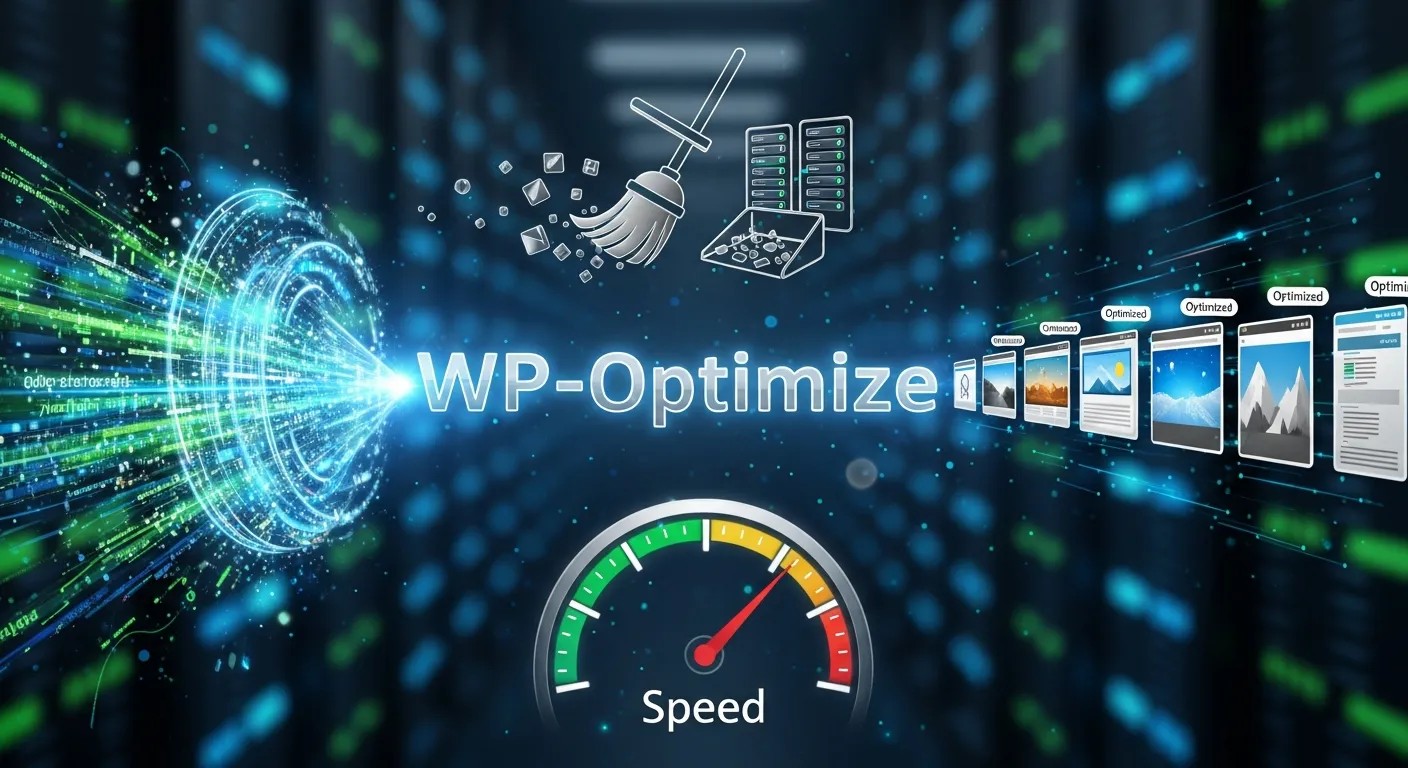
WP-Optimize deserves attention because it does more than cache. Its plugin page says it offers caching, image compression, database cleaning, and minification for performance. That makes it useful for site owners who want the Best WordPress Cache Plugin behavior plus supporting cleanup features in one place.
The Best WordPress Cache Plugin is often not enough by itself if your site also suffers from database bloat or heavy images. WP-Optimize directly addresses those issues. The official listing says it can cache, optimize images, clean the database, and minify for maximum performance. That combination can reduce the need to install separate tools immediately, which is attractive for simpler stacks.
For many sites, WP-Optimize becomes the Best WordPress Cache Plugin candidate when the goal is more than page cache alone. If you want a performance layer and some cleanup help in the same plugin, it belongs on the shortlist.
The Supporting Stack: What Cache Should Work With
The Best WordPress Cache Plugin usually performs best when the rest of the stack is not fighting it. That is where Core WordPress Mastery comes in. You want to understand how themes, plugins, hosting, and cache behavior interact so that the site remains stable after optimization. A faster site is useful only if the site still works properly under real traffic and real content changes.
The Best WordPress Cache Plugin can also be more effective when paired with an Image Optimizer WordPress Plugin. Image-focused tools such as LiteSpeed’s image optimization, Smush, EWWW Image Optimizer, ShortPixel, and the WordPress.org Image Optimizer plugin all describe reducing image size, improving delivery, or preserving quality while compressing files. Large images are often a major bottleneck, so cache alone may not solve the whole problem.
A Database Cleaner Plugin is another useful companion because cached pages do not fix database clutter. WordPress.org’s Database Cleaner plugin and Advanced Database Cleaner plugin both describe database cleanup and optimization, including unused data removal. WP-Optimize also includes database cleanup. If the site has lots of revisions, spam comments, transients, or old metadata, the Best WordPress Cache Plugin will work better alongside a database cleanup layer.
A WordPress Backup Plugin matters because performance changes should be reversible. BackWPup, UpdraftPlus, and All-in-One WP Migration and Backup all describe backup and restore workflows. A backup lets you test the Best WordPress Cache Plugin, adjust settings, and recover if something conflicts with your theme or another plugin.
A WordPress Maintenance Mode Plugin is useful when you are changing performance settings or doing deeper site work. The WordPress.org Maintenance plugin and the LightStart / WP Maintenance Mode plugin both describe maintenance or coming-soon pages that can temporarily close access while the site is being updated. That helps protect users from half-finished changes while you fine-tune the Best WordPress Cache Plugin setup.
Cache, Monitoring, and Security Thinking
The Best WordPress Cache Plugin should be part of a broader reliability mindset, not a one-time install. That is where SaaS License Management Tool becomes relevant. A site that is fast but unstable does not build confidence. A site that is fast and monitored gives you a better chance of catching regressions before they become user-facing problems. The performance stack should therefore include a healthy mix of cache, image control, database cleanup, backups, and monitoring.
SaaS Monitoring Tools help you see whether the Best WordPress Cache Plugin is actually doing its job over time. WP Rocket’s own docs mention a performance hub and page tracking, while LiteSpeed’s dashboard shows load-time and PageSpeed score related status. That kind of visibility matters because a site can feel fast in testing and slower later if content, plugins, or traffic patterns change. Monitoring turns a speed decision into a long-term practice.
From a reputation standpoint, the Best WordPress Cache Plugin helps reduce friction in the user journey. Faster pages feel more reliable, more professional, and easier to trust. That matters for Online Reputation Management because users often judge quality by how quickly and cleanly a site responds. A better experience can support credibility even before the user reads a single word of your content.
How to Choose the Best Fit
The Best WordPress Cache Plugin for your site depends on hosting, goals, and how much complexity you want to manage. If you are on LiteSpeed-compatible hosting and want server-level caching plus optimization options, LiteSpeed Cache is compelling. If you want a premium plugin that automatically handles a wide range of performance basics, WP Rocket is hard to ignore. If you want a plain, static-cache solution, WP Super Cache is easy to understand. If you want SEO and Core Web Vitals messaging plus CDN integration, W3 Total Cache stands out. If you want a lightweight speed focus, WP Fastest Cache is straightforward. If you want cache plus image, database, and minification in one plugin, WP-Optimize has a strong case.
The Best WordPress Cache Plugin is not always the one with the most features. It is the one that fits your stack without making future maintenance harder. That is especially true if you already use other performance or security tools. A simpler stack often wins because it is easier to understand, easier to support, and easier to troubleshoot.
Practical Setup Logic

The Best WordPress Cache Plugin should be installed with a plan. Start by deciding what problem you are solving: slow first load, repeated database work, poor mobile speed, or general page performance. Then choose the plugin that solves that problem most directly. After that, add image optimization, database cleanup, backups, and monitoring only where they actually improve the setup. That sequence keeps the site faster without making it fragile.
The Best WordPress Cache Plugin also benefits from testing. Compare before and after behavior, watch the pages that matter most, and make sure key features still work. WP Rocket’s docs mention cache preloading and separate mobile cache behavior, and LiteSpeed’s docs describe page cache, ESI, and dashboard status. Those features are useful, but they also show why validation matters. Performance settings should be watched, not assumed.
Decision
| Need | Best WordPress Cache Plugin Angle | Good Companion Tools |
|---|---|---|
| Easy premium setup | WP Rocket | Image Optimizer WordPress Plugin, WordPress Backup Plugin |
| Server-level acceleration | LiteSpeed Cache | Database Cleaner Plugin, SaaS Monitoring Tools |
| Simple static caching | WP Super Cache | WordPress Maintenance Mode Plugin |
| Technical SEO/performance control | W3 Total Cache | Image Optimizer WordPress Plugin |
| Lightweight speed focus | WP Fastest Cache | WordPress Backup Plugin |
| Cache + cleanup in one place | WP-Optimize | Database Cleaner Plugin, Image Optimizer WordPress Plugin |
Common Mistakes to Avoid
The Best WordPress Cache Plugin can only help if the site owner avoids common mistakes. One mistake is stacking too many optimization plugins that overlap and conflict. Another is turning on every feature without understanding what it changes. A third is ignoring images and database clutter while hoping cache alone will fix everything. The fastest improvement usually comes from pairing cache with the right support tools, not from blindly enabling more settings.
The Best WordPress Cache Plugin also should not be set and forgotten forever. Content changes, theme updates, plugin changes, and hosting changes can all affect performance. A quick review cycle keeps the site healthy and stops small slowdowns from becoming larger ones. That discipline matters as much as the plugin choice itself.
Final Recommendation Logic
If you want the Best WordPress Cache Plugin for a broad audience and a clean premium experience, WP Rocket is a strong first look. If your host is LiteSpeed-compatible and you want the deepest server-level acceleration story, LiteSpeed Cache is a major contender. If you want a focused, easy-to-understand free static cache, WP Super Cache is highly practical. If you want broader performance messaging around SEO and Core Web Vitals, W3 Total Cache is worth considering. If you want a lean speed plugin, WP Fastest Cache is a good fit. If you want cache plus database and image cleanup, WP-Optimize is especially useful.
The Best WordPress Cache Plugin is ultimately the one that makes your site fast, stable, and easy to maintain. Speed alone is useful, but speed plus simplicity is better. That is the combination worth chasing.
Conclusion
The Best WordPress Cache Plugin is the one that fits your hosting, your site type, and your maintenance habits while genuinely improving load behavior. WP Rocket offers easy premium caching with preload and automated optimization; LiteSpeed Cache adds server-level cache and image optimization; WP Super Cache keeps the model simple; W3 Total Cache emphasizes SEO and Core Web Vitals; WP Fastest Cache keeps the focus on speed; and WP-Optimize extends the idea into cache, image, and database cleanup. When you pair the Best WordPress Cache Plugin with backups, maintenance mode, image optimization, and monitoring, you build a faster site that is also easier to trust and manage.
Frequently Asked Questions (FAQ)
What does the Best WordPress Cache Plugin do?
The Best WordPress Cache Plugin stores and serves cached content so WordPress pages load faster and use fewer server resources. WP Super Cache describes this as serving static HTML instead of repeatedly processing dynamic PHP requests.
Which plugin is easiest for beginners?
WP Rocket and WP Super Cache are often easier starting points because WP Rocket emphasizes automated caching and preload, while WP Super Cache focuses on simple static HTML caching. The Best WordPress Cache Plugin for a beginner is usually the one with the least friction.
Is LiteSpeed Cache only useful on LiteSpeed hosting?
LiteSpeed Cache is especially compelling on LiteSpeed-compatible hosting because it offers server-level cache and a broad optimization suite. That makes it a strong Best WordPress Cache Plugin choice when the hosting stack matches.
Do I still need an Image Optimizer WordPress Plugin?
Often, yes. Cache helps delivery, but image optimization reduces file size. LiteSpeed, Smush, EWWW, ShortPixel, and Image Optimizer all document image compression or resizing features. That is why the Best WordPress Cache Plugin often works better with image optimization beside it.
Why use a Database Cleaner Plugin?
Database cleanup removes unused or stale data that can slow administration and performance. WP-Optimize, Database Cleaner, and Advanced Database Cleaner all describe database cleanup or optimization functions, which is why they pair well with the Best WordPress Cache Plugin.
Should I use a WordPress Backup Plugin too?
Yes. Backups let you test changes safely and recover if a setting conflicts with your theme or plugins. BackWPup, UpdraftPlus, and All-in-One WP Migration and Backup all document backup and restore workflows.
What is the role of a WordPress Maintenance Mode Plugin?
A WordPress Maintenance Mode Plugin lets you temporarily close or hide the site while you make changes. The official plugin listings for Maintenance and LightStart explain that they can show maintenance or coming-soon pages. That is useful when you are tuning the Best WordPress Cache Plugin.
How does Online Reputation Management relate to site speed?
Fast pages feel more professional and trustworthy, which can support the user experience side of Online Reputation Management. W3 Total Cache and WP Rocket both connect performance with SEO, conversions, and user experience in their official materials.
Do I need SaaS Monitoring Tools for caching?
They help you verify that performance stays healthy over time. WP Rocket’s docs mention performance tracking tools, and LiteSpeed’s dashboard surfaces cache and PageSpeed-related status. That makes monitoring a smart companion to the Best WordPress Cache Plugin.
What is the simplest answer if I just want one plugin?
If you want one strong all-around option, WP Rocket, LiteSpeed Cache, WP Super Cache, W3 Total Cache, WP Fastest Cache, and WP-Optimize are the main contenders, but the Best WordPress Cache Plugin for you depends on your host, your comfort level, and whether you need extra optimization features.



Leave a Reply