

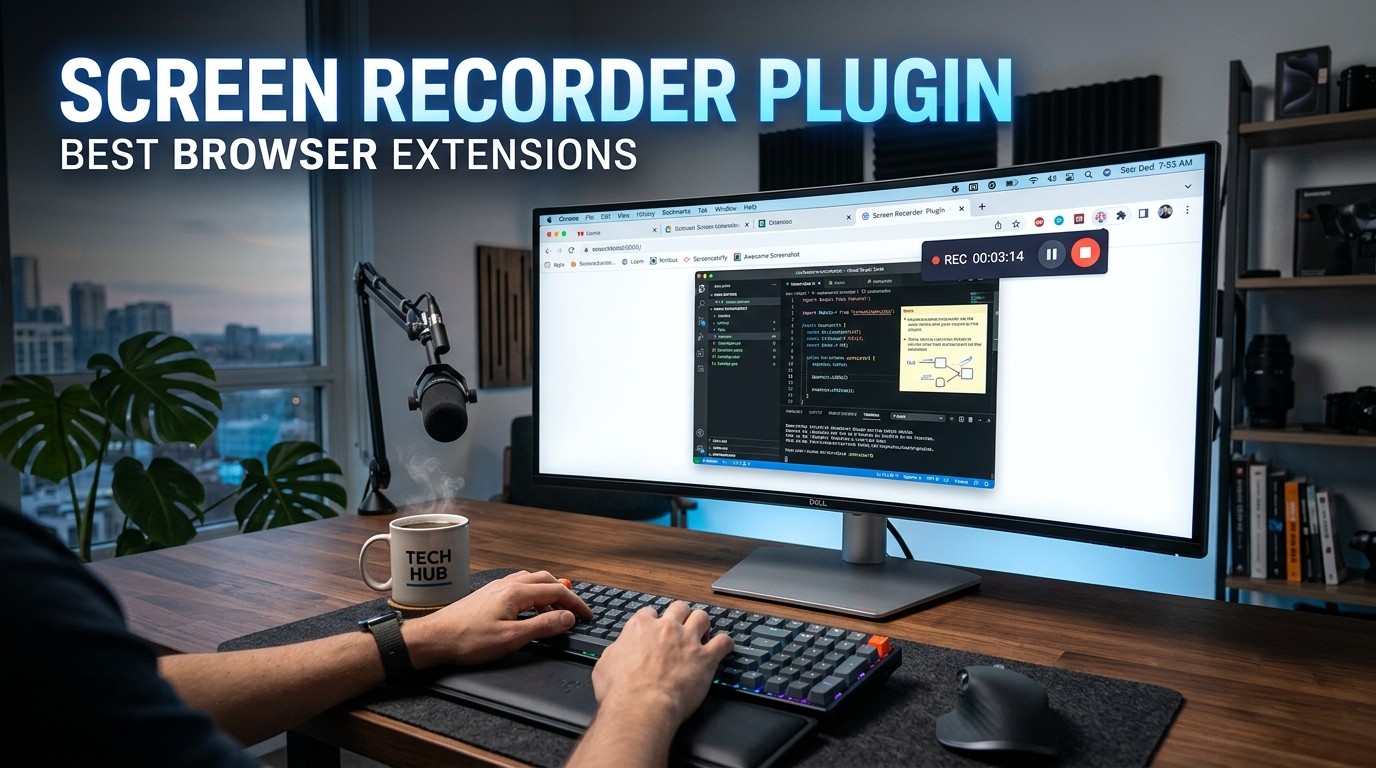
A Screen Recorder Plugin helps users capture clear, shareable videos from the browser with less friction, faster communication, and more confidence in tutorials, support, sales, and training.
In a world where attention is scarce and explanations need to be instant, a Screen Recorder Plugin has become one of the most practical browser tools for daily work. People no longer want to read long instructions, wait for meetings, or guess what someone meant in a message. They want to see the problem, understand the solution, and move forward quickly.
That is exactly why browser extensions for recording screens have grown so rapidly. They reduce setup time, remove technical confusion, and let users capture what matters in seconds. A Screen Recorder Plugin can support remote teams, teachers, creators, product managers, customer support agents, and marketers who need a fast way to explain something visually.
The real power of screen recording is not just video capture. It is cognitive relief. When someone sees a process instead of reading about it, the brain processes the message faster and with less effort. That is why well-designed browser extensions feel so effective: they match how people naturally absorb information.
A good Screen Recorder Plugin does more than record. It builds trust, saves time, and turns complicated ideas into clear visual stories. In this guide, you will learn how browser extensions compare, which features matter most, which tools are worth attention, and how to choose the best option for your own workflow.
Why Browser Extensions Feel Easier Than Desktop Software
A Screen Recorder Plugin is often preferred over desktop software because the user experience is lighter, faster, and less intimidating. Many people do not want to install another large application just to create a short walkthrough. They want a solution that appears where they already work, inside the browser.
This matters because convenience changes behavior. When recording is easy, people use it more often. When it is hard, they postpone it. That small difference influences productivity, team communication, and content creation. A Screen Recorder Plugin removes the mental resistance that often prevents someone from starting a recording in the first place.
Browser extensions also reduce switching costs. Instead of opening a separate app, adjusting settings, and checking compatibility, the user can stay in the same environment where the task already lives. That means fewer interruptions and less chance of losing momentum.
For teams that value speed, this is a major advantage. A Screen Recorder Plugin fits naturally into browser-based work, especially in SaaS, education, support, and marketing. It is not just a tool; it is a workflow shortcut.
What a Screen Recorder Plugin Actually Does
At a basic level, a Screen Recorder Plugin captures activity on your screen, in your browser tab, or in a specific window. Many extensions also let you include the webcam, microphone, internal audio, and cursor highlights. Some even add trimming, annotation, and instant sharing.
A Screen Recorder Plugin can be used for very different goals. A teacher may record a lesson. A developer may show a bug. A sales rep may send a personalized demo. A support agent may record a troubleshooting path. The underlying technology is similar, but the intent behind the recording changes how the tool should be judged.
That intent matters because the best extension is not always the one with the most features. Sometimes the right tool is the one that helps the user finish the recording with the least stress. A Screen Recorder Plugin should feel simple enough for beginners and flexible enough for professionals.
The best browser extensions make this process feel natural. They guide the user through recording, saving, and sharing without creating unnecessary confusion. Good design lowers anxiety, and that is one of the hidden reasons people keep returning to the same extension again and again.
The Psychology Behind Why Screen Recording Works So Well
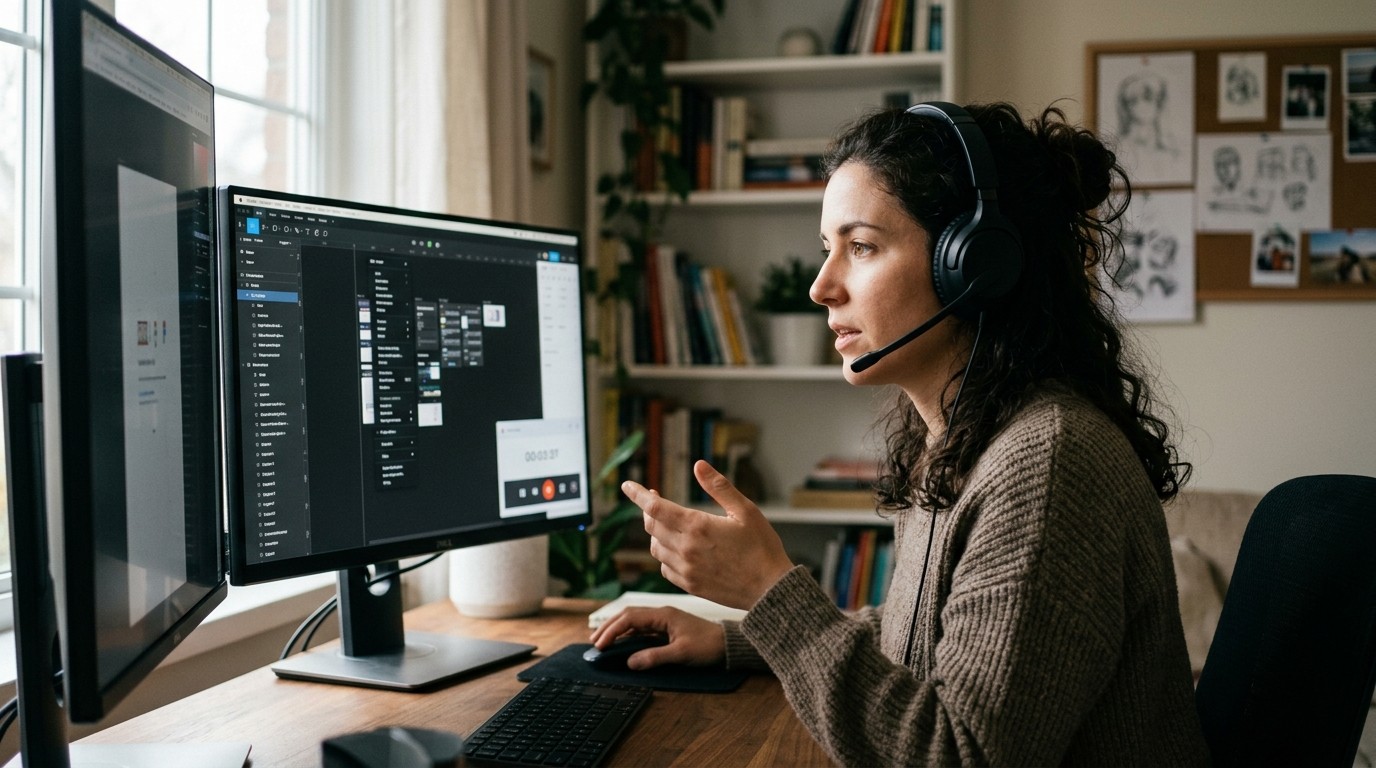
People trust what they can see. That is one of the reasons a Screen Recorder Plugin is so powerful in communication. When a person watches a process unfold, they do not need to imagine the steps. They see them directly, which reduces doubt and makes the message feel more believable.
This is especially useful when someone is frustrated, overloaded, or short on time. A video walkthrough gives the brain a clear path to follow. Instead of decoding a long paragraph, the viewer watches a real sequence and understands it faster. That is why screen recordings often feel more human than formal documentation.
There is also an emotional benefit. A Screen Recorder Plugin can make communication feel more personal. A voice, a cursor, and a visible workflow create a stronger sense of presence than plain text. This helps in sales, support, training, and onboarding because people respond well to clarity and confidence.
When a recording solves a problem quickly, it also creates relief. That emotional payoff makes the tool memorable. Users remember the extension that helped them move from confusion to understanding. Over time, that feeling builds loyalty.
Features That Matter Most Before Choosing a Plugin
Before installing a Screen Recorder Plugin, it helps to understand which features actually matter in real use. Many extensions advertise a long list of options, but only a few have a meaningful impact on quality and convenience.
The first feature to check is recording scope. Some tools only record a tab, while others capture the full screen or a specific application window. This matters because different tasks need different framing. A tutorial may require a browser tab, while a bug report may need the whole display.
The second feature is audio quality. If the microphone is weak, noisy, or unstable, the video loses value quickly. A Screen Recorder Plugin should make voice capture easy and reliable. The best tools also support tab audio or system audio when needed.
The third feature is sharing speed. Users often choose browser extensions because they want fast delivery. If the recording must be downloaded, edited externally, and uploaded somewhere else, the convenience advantage becomes weaker. Cloud sharing or instant link creation is a major benefit.
The fourth feature is editing. Even simple trimming can save time. A Screen Recorder Grammar Checker Plugin with light editing tools helps users remove mistakes, awkward pauses, or sensitive information without leaving the browser.
The fifth feature is performance. Recording should not make the browser feel unstable or sluggish. If an extension consumes too much memory, the convenience disappears. The best tools balance power with low friction.
Comparison Table: What to Look For
| Feature | Why It Matters | Best For |
|---|---|---|
| Tab recording | Focuses on one browser tab | Tutorials and demos |
| Full screen recording | Captures everything visible | Walkthroughs and training |
| Webcam overlay | Adds a human presence | Sales, teaching, presentations |
| Audio capture | Preserves verbal explanation | All professional use cases |
| Cloud sharing | Sends links instantly | Teams and collaboration |
| Trim/edit tools | Removes mistakes fast | Content creators and support |
| Annotation tools | Highlights important areas | Education and technical demos |
| Lightweight performance | Prevents browser slowdown | Frequent recording |
A Screen Recorder Plugin becomes far more useful when it combines several of these features without making the interface difficult. The best browser extension is usually the one that gives enough control without demanding too many decisions.
Best Browser Extensions Worth Considering
The market has many choices, but a few browser extensions stand out because they match different user intentions well. A Screen Recorder Plugin should be chosen based on the task, not only on popularity.
Loom is one of the most recognizable options. It is especially strong for async communication, team updates, sales messages, and customer-facing explanations. Its biggest strength is speed. People can record, share, and move on with very little effort.
Screencastify is widely used in education. Teachers like it because it supports lesson recording, assignment feedback, and easy sharing inside classroom workflows. A Screen Recorder Plugin like this works best when the goal is teaching rather than polished production.
Nimbus Capture is popular for users who want a mix of screen capture, annotation, and productivity features. It feels practical for documentation, internal support, and work that needs a bit more structure.
Awesome Screenshot is useful because it blends screenshot and video workflows. That matters when a user needs to show a problem with a still image first and then record a fuller explanation afterward.
Vidyard is often favored for sales communication and personalized outreach. It helps users send human, high-trust video messages instead of relying on generic text.
Screenity has strong appeal for users who want a privacy-conscious and flexible Screen Recorder Plugin. It is especially attractive for people who prefer control and simplicity without unnecessary branding.
Loom: Best for Fast Team Communication
Loom became popular because it made recording feel effortless. A Screen Recorder Plugin like this works well when the main goal is to say something clearly and share it immediately. It is ideal for quick updates, process explanations, feedback, and customer communication.
One reason Loom resonates with users is that it lowers the emotional barrier to recording. People who feel awkward speaking live often find async video easier. They can pause, restart, and record at their own pace. That sense of control helps create better communication.
Loom also works well in modern remote teams where not every message needs a meeting. A short recording can replace a long call. That is valuable because meetings consume attention, while recordings let the viewer choose the right time to watch.
For managers and support teams, the simplicity of a Screen Recorder Plugin like Loom can improve response speed. A user sees the answer instead of reading a long explanation, and that reduces back-and-forth.
Screencastify: Best for Education and Teaching
Screencastify is a strong choice when the use case involves students, classrooms, or structured learning. A Screen Recorder Plugin in this category must be predictable, easy to use, and reliable for recurring work. Screencastify has built its reputation around exactly that type of environment.
Teachers often need a tool that lets them create lessons without spending time on editing software or technical setup. Screencastify makes it possible to record instructions, explanations, and feedback in a straightforward way. That is important because educators are usually trying to save time while improving clarity.
Students also benefit from seeing a teacher explain a concept visually. A Screen Recorder Plugin helps turn abstract ideas into a guided experience. That improves understanding, especially for visual learners who struggle with text-heavy instructions.
This makes Screencastify especially valuable for homework guidance, classroom demonstrations, and assignment reviews. The best teaching tools are not always the most advanced. They are the ones that reduce friction and increase consistency.
Nimbus Capture: Best for Documentation and Workflow Sharing
Nimbus Capture is well suited to users who want more than just recording. A Screen Recorder Plugin like this works well when the same workflow includes screenshots, notes, and annotations. That makes it especially helpful for support teams, operations, and documentation-heavy jobs.
When a team builds internal guides or customer help materials, it often needs both still images and video. Nimbus Capture handles that combination well because it keeps the workflow inside the browser. Users can capture, mark up, explain, and share without jumping between too many tools.
This is important from a psychological perspective because people are more likely to finish a task when the steps feel connected. A fragmented process causes hesitation. A Screen Recorder Plugin that brings capture and annotation together reduces that friction.
Nimbus Capture can also be useful when a user wants to preserve context. Marking up the screen while recording helps the viewer understand exactly where to look, which makes the final message easier to follow.
Awesome Screenshot: Best for Mixed Visual Communication
Awesome Screenshot is a practical option for users who need a blend of screenshots and video recording. A Screen Recorder Plugin with this kind of flexibility is attractive because real workflows are rarely one-dimensional. Sometimes a screenshot is enough, and sometimes a full explanation is better.
Support teams often like this type of tool because it lets them show both the problem and the fix. A static image can highlight an issue quickly. A short recording can then explain the process. That combination improves communication quality.
It also suits teams that want one browser extension instead of multiple separate tools. The value here is simplicity. The fewer tools people need to learn, the more likely they are to use them consistently.
A Screen Recorder Plugin becomes more valuable when it helps users adapt to the situation instead of forcing one format for everything. Awesome Screenshot fits that idea well.
Vidyard: Best for Sales and Personalized Outreach
Vidyard is especially strong when the goal is trust building. A Screen Recorder Plugin that supports sales communication needs to make messages feel personal, polished, and human. Vidyard is often used for prospecting, follow-ups, onboarding, and relationship building.
People respond more strongly to personalized video than to generic text. That is because video carries tone, presence, and effort. When a prospect sees someone record a direct message for them, the communication feels more thoughtful and more credible.
This matters in competitive markets where attention is hard to earn. A Screen Recorder Plugin that helps sales teams stand out can create a better first impression than a plain email. The message becomes easier to remember because it feels real.
Vidyard also supports the broader shift toward async selling. Instead of waiting for a call, teams can send a quick video that explains the value, answers a question, or moves the conversation forward.
Screenity: Best for Privacy-Minded Users
Screenity appeals to users who want control without unnecessary complexity. A Screen Recorder Plugin with a privacy-first mindset is attractive to freelancers, developers, and users who want a tool that feels cleaner and more transparent.
Privacy concerns matter more than people often admit. Users may hesitate to install an extension if the permissions feel excessive. When a tool makes its purpose clear and keeps the workflow simple, trust improves.
Screenity also fits users who prefer a lightweight experience. A Screen Recorder Plugin should not feel like a burden. If the tool is easy to understand and does not overwhelm the user with features they will never touch, it becomes more usable.
For many people, the best browser extension is the one that disappears into the workflow. Screenity leans into that idea by keeping the recording process direct and manageable.
How to Choose the Right Option for Your Use Case
Choosing the right Screen Recorder Plugin becomes easier when you start with the end goal. Many users make the mistake of comparing feature lists without asking what outcome they actually want. That leads to confusion and often to the wrong purchase or installation.
If your goal is quick internal communication, prioritize speed and cloud sharing. If your goal is teaching, prioritize reliability and recording clarity. If your goal is sales outreach, prioritize personalization and polished presentation. If your goal is support, prioritize annotation and easy explanation.
This choice also depends on emotional tone. A simple Screen Recorder Plugin can feel reassuring to a beginner. A more advanced extension can feel empowering to a power user. The right match is the one that fits both skill level and intent.
When a tool fits the user’s situation, adoption becomes natural. People do not need to force it into their workflow. It becomes the obvious choice.
The Real Features Professionals Care About
Professional users rarely care about marketing language. They care about whether the Screen Recorder Plugin helps them finish important tasks without wasting time.
One important professional feature is precise recording control. Users need to choose the right capture area, manage audio correctly, and avoid accidental mistakes. The more predictable the controls, the more trustworthy the tool feels.
Another important feature is sharing efficiency. Professionals often work under deadlines. A Screen Recorder Plugin that creates clean links, direct uploads, or quick exports helps them respond faster and keep projects moving.
A third feature is clarity in presentation. Professionals want recordings that are easy to watch. That includes crisp video, stable sound, and clean transitions. If the recording feels messy, the viewer may lose focus before the message lands.
A fourth feature is the ability to adapt to different audiences. A Screen Recorder Plugin should help users move between internal communication, customer education, and public-facing content without needing a whole new workflow.
Browser Performance and Why It Matters More Than People Think

A Screen Recorder Plugin can be excellent on paper and still frustrating in real use if it slows the browser down. Performance is one of the most overlooked factors in choosing a recording extension.
Users often underestimate how much mental irritation comes from lag. When the browser feels heavy, people become less patient. They may stop the recording, reopen tabs, or abandon the task entirely. That is why lightweight design matters so much.
A good extension respects system resources. It should allow recording without making other work unusable. This is especially important for people who keep many tabs open or use older devices.
In practical terms, the best Screen Recorder Plugin is the one that stays out of the way. The tool should feel like a helper, not a source of stress.
Recording Quality and Viewer Trust
Viewers judge recordings quickly. A Screen Recorder Plugin that produces clear video makes the message feel more professional and easier to follow. Poor quality, on the other hand, can distract from the actual point.
Sharp text is especially important when recording software interfaces, dashboards, spreadsheets, or code. If the viewer cannot read what is on the screen, the recording loses value immediately.
Audio is equally important. People may forgive imperfect visuals, but they often lose patience with bad sound. A Screen Recorder Plugin should handle microphone input consistently and reduce noise where possible.
Trust grows when the audience can see and hear the explanation without strain. That trust is one of the main reasons screen recordings are so effective in business communication.
When Screen Recording Saves the Most Time
A Screen Recorder Plugin saves the most time in situations where typing would take longer than showing. That includes bug reports, onboarding instructions, product demos, how-to support, and feedback explanations.
In these moments, the user is usually trying to eliminate ambiguity. Writing can leave room for misunderstanding. Recording shows the exact path and removes unnecessary interpretation.
The psychological effect is important. When a person watches a recording, they feel guided rather than instructed. That can make the experience less defensive and more cooperative.
A Screen Recorder Plugin is therefore not only a productivity tool. It is a communication tool that helps people collaborate without friction.
How Marketing Teams Use Screen Recording
Marketing teams use a Screen Recorder Plugin to present products, explain campaigns, and create educational content that feels more authentic than static text. This is especially useful in product-led growth environments.
A short recording can demonstrate a feature more clearly than a long article. It can also build familiarity with a brand because the viewer sees a real workflow in action. That sense of transparency often improves engagement.
When teams work with a Mobile App Marketing Agency, screen recordings can also help showcase user flows, app onboarding, and ad funnel explanations in a visual format. That makes it easier to communicate strategy and performance.
For brands that want a more polished external presentation, a Professional App Marketing Agency may rely on recorded demos to show app value, highlight user experience, and simplify complex messaging for stakeholders.
How Support Teams Use Screen Recording
Support teams are among the biggest beneficiaries of a Screen Recorder Plugin because it turns abstract explanations into clear visual guidance. Instead of typing long instructions, an agent can show the exact clicks, steps, and expected results.
This is especially valuable when users are frustrated. The screen recording reduces tension because it gives them a path to follow. That can improve satisfaction and lower repeat tickets.
Support recordings also create consistency. When multiple agents answer the same question, a recorded explanation helps standardize the response. That means fewer errors and more reliable communication.
A Screen Recorder Plugin can also help internal support teams build knowledge bases. The same recording can be reused for training, onboarding, and self-service resources.
How Educators and Trainers Benefit
Educators often need to explain the same concept in different ways. A Screen Recorder Plugin helps them create reusable lessons that students can watch at their own pace.
This is valuable because learning happens differently for different people. Some learners need repetition. Others need visual cues. Some need quiet review time instead of live interruption. Recorded lessons give them that flexibility.
Trainers also benefit from being able to demonstrate software or processes clearly. A short recording can simplify a complex topic and make the learning experience feel calmer and more structured.
The best educational content is not only informative. It is emotionally reassuring. A Screen Recorder Plugin helps the teacher appear present and accessible even when the lesson is asynchronous.
A Practical Checklist Before You Install Anything
Before choosing a Screen Recorder Plugin, it helps to ask a few simple questions.
Can it record the area you actually need?
Does it capture microphone and tab audio reliably?
Can it share files quickly?
Is the interface simple enough for daily use?
Does it slow down the browser?
Are the privacy permissions reasonable?
Does it include basic editing or annotation?
Will it fit your team or personal workflow?
These questions matter because tools should solve problems, not create them. A recording extension is most useful when it feels obvious, fast, and dependable.
Common Mistakes Users Make
Many users install a Screen Recorder Plugin based only on popularity. That can be a mistake because a widely known tool is not always the best fit for the task at hand.
Another common mistake is ignoring browser performance. A tool may look good in screenshots but still feel slow once it is actively used. That can create frustration and reduce adoption.
People also underestimate the importance of audio. A weak microphone setup can ruin a good video. Even a strong Screen Recorder Plugin cannot fully compensate for poor sound.
Another mistake is overcomplicating the workflow. The best tools are often the simplest. Users who need a quick recording should not have to navigate advanced menus just to start.
Why Trust and Simplicity Beat Complexity
A Screen Recorder Plugin succeeds when it creates confidence. Users want to feel that they can open the extension, record the message, and share it without trouble. That feeling of control is more valuable than feature overload.
Complexity can look impressive but still fail in practice. If a tool needs too many settings, people may avoid it. Simplicity encourages action, and action is what makes the tool useful.
This is why many browser extensions win on convenience. They match the human desire for immediate progress. A Screen Recorder Plugin that helps a person finish the task quickly is often more valuable than one that offers every possible option.
Trust grows when the process is predictable. People return to tools that feel safe, easy, and effective.
Best Use Cases by Audience
Different users choose a Screen Recorder Plugin for different reasons, and that should shape the decision.
Remote workers need fast async communication.
Teachers need clear lessons and student-friendly sharing.
Developers need bug reproduction and workflow explanation.
Support agents need visual problem solving.
Sales professionals need personalized outreach.
Marketers need product storytelling.
Freelancers need quick client communication.
Each audience values clarity, but the exact form of clarity changes. The right extension should match the audience’s priorities instead of trying to serve everyone equally.
What Makes a Browser Extension Feel “Best”
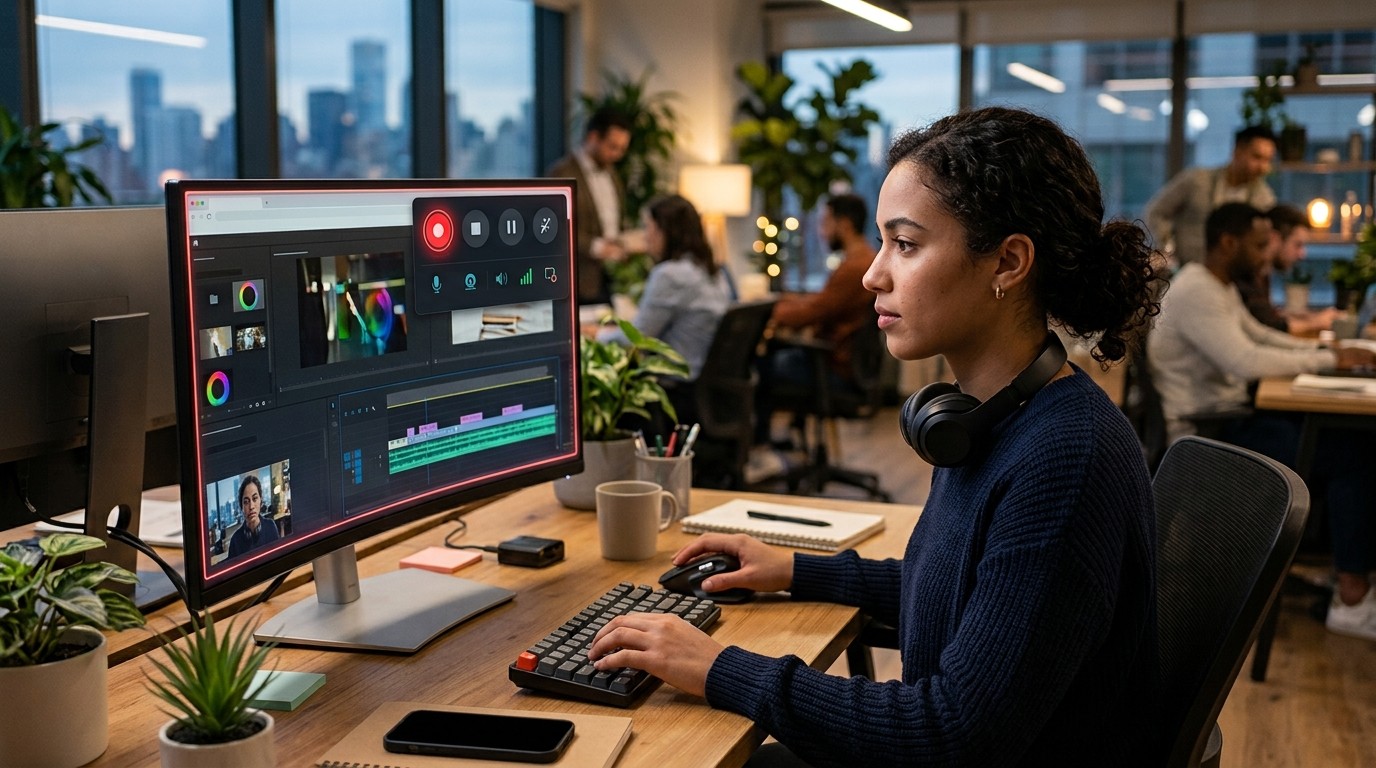
A Screen Recorder Plugin feels best when it solves the whole job, not just the recording part. The job includes starting quickly, capturing cleanly, saving safely, and sharing easily.
People do not usually remember every feature. They remember how the tool made them feel. Did it save time? Did it reduce stress? Did it help them explain the issue clearly? Did it feel reliable? Those answers determine whether the extension becomes a regular habit.
That is why usability matters more than hype. A tool that performs well in a real workflow often beats a more complicated competitor with a larger feature list.
The best browser extension is the one users trust enough to open repeatedly without hesitation. That is the true standard for a good Screen Recorder Color Picker Plugin.
Recommended Decision Framework
Use this simple framework to choose a Screen Recorder Plugin.
If you need fast team updates, choose a lightweight cloud-first tool.
If you teach or train, choose a clear and dependable tool with easy sharing.
If you support users, choose a tool with annotation and quick explanations.
If you sell or pitch, choose a tool that feels personal and polished.
If you want privacy and control, choose a lean extension with a simple interface.
This framework works because it aligns the product with the user’s actual intent. When the tool matches the intention, the recording process becomes smoother and more natural.
Final Comparison Thoughts
The browser extension market offers many strong choices, but the best Screen Recorder Plugin is the one that matches your work style, audience, and communication goals. Some tools are better for speed, some for teaching, some for support, and some for sales.
That variety is useful because not everyone wants the same experience. A manager, a teacher, and a creator may all need screen recording, but each wants a different kind of simplicity. Good tools respect that difference.
When you choose carefully, you get more than a video recorder. You get a better workflow, a clearer message, and a less stressful way to communicate.
Conclusion
A Screen Recorder Plugin is no longer a niche browser add-on. It is a practical communication tool that saves time, reduces confusion, and helps people explain ideas with confidence. The best browser extensions succeed because they make recording easy, sharing fast, and understanding immediate. Whether you work in education, support, sales, marketing, or content creation, the right choice should fit your workflow instead of forcing you to adapt to it. When a tool feels simple, trustworthy, and responsive, people actually use it. That is the real value of a great Screen Recorder Plugin.
Frequently Asked Questions (FAQ)
1. What is a Screen Recorder Plugin used for?
A Screen Recorder Plugin is used to capture browser activity, full screens, windows, audio, and webcam footage so users can explain ideas visually.
2. Which browser extension is best for beginners?
Beginners usually prefer a Screen Recorder Plugin with a simple interface, fast recording, and easy sharing, because those features reduce confusion.
3. Can a Screen Recorder Plugin record audio?
Yes. Most modern extensions can record microphone audio, and many also support tab audio or system audio depending on the browser.
4. Is a browser extension better than desktop software?
A Screen Recorder Plugin is often better for quick tasks because it is lighter, faster to start, and easier to use inside the browser.
5. What is the best use case for screen recording?
The best use cases include tutorials, support walkthroughs, onboarding, product demos, training, and feedback explanations.
6. Do screen recording tools slow down the browser?
Some do, especially if they are heavy or poorly optimized. A good Screen Recorder Plugin should stay lightweight and stable.
7. Can I edit recordings inside a browser extension?
Many extensions offer basic editing such as trimming, cropping, and annotation. Advanced editing may still require separate software.
8. Which tool is best for teachers?
Teachers often prefer a Screen Recorder Plugin that is easy to use, reliable, and simple to share with students.
9. Why do sales teams use screen recording?
Sales teams use a Screen Recorder Plugin to send personalized messages, explain products, and build trust faster than text alone.
10. How do I choose the right extension?
Start with your goal. Then choose a Screen Recorder Plugin based on speed, audio quality, sharing, privacy, and ease of use.



Leave a Reply